


COMPARISON
Before and after: see what the UX Health Check changes
UX HEALTH CHECK
What will we review?
We’ll focus on one customer journey in your financial services app — for example, opening an account, submitting a loan application, filing an insurance claim, or changing account limits.
- Process flow
Review of whether the steps follow a logical sequence and help customers know what to do next — without unnecessary actions or backtracking. - Messages and status updates
Analysis of the copy, instructions, errors, and confirmations that shape customers’ understanding of the process and their confidence in using the app. - Screen and form layout
Review of whether key information and actions are easy to find — without overloading customers with too many fields, too much copy, or too many options. - Customer decision points
Assessment of the moments when customers need to choose, confirm, enter information, or trust the app.
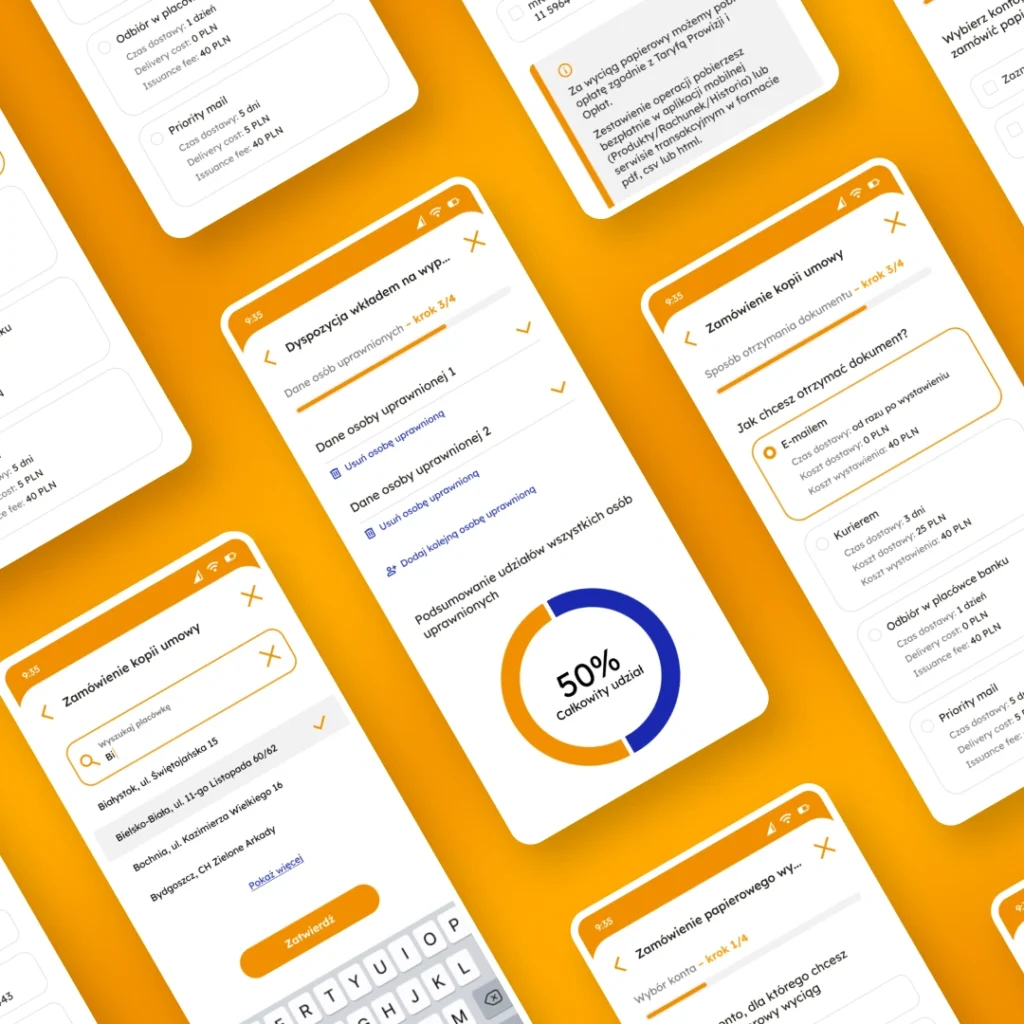
When is it worth looking at an app from the outside?
- You need a fresh perspective. When a team is very familiar with an app, it’s easy to overlook areas that are unclear, too long, or too demanding for the customer.
- You’re seeing the first signs of a problem.Users aren’t completing the process, they’re contacting support more often, or the conversion rate is starting to drop.
- You’re planning a major change. Before a redesign, a new feature, or a process expansion, it’s worth checking whether the current flow will simply shift the problems elsewhere.
- Something has changed since implementation. A new screen, an additional step, or a message may have disrupted the flow and weakened the process’s effectiveness.
See how, in a project for a bank, an outside perspective helped identify areas that made self-service and process completion difficult—and translate those insights into UX recommendations.
DELIVERABLES
What will you get from a quick UX Health Check?
UX visuals instead of a simple list of recommendations: proposed changes shown directly on the screens, ready to discuss and implement.
- 5 UX friction points
Marked areas that may make it harder for customers to move forward, increase uncertainty, or cause them to abandon the process.
- 3 best-practice benchmarks
Examples from mobile apps that solve similar challenges in simpler or more intuitive ways.
- Action priorities
Clear separation of minor visual comments from issues that may block the process, weaken customer trust, or increase call center volume.
- User perspective
Short explanation of how customers may experience the issue and how it affects journey performance.


PARTNERSHIP
Quick diagnosis without a large project

Kickoff meeting
We walk through the selected journey in your app, wireframe, or test environment. Screen sharing is enough, with no access to source code, customer data, or production systems.

UX Health Check in 48 hours
After the meeting, we analyze the process on our side and prepare a mini-report. Your team does not need to join additional workshops or share technical documentation.

Results presentation
We review the key findings, recommendations, and visual examples in a short summary meeting. You receive material ready to discuss with your product, UX, or business team.
Submit your journey for a free UX Health Check

Filip Wachowiak
HEAD OF INTERNATIONAL GROWTH
Write me a message





Fill out the form and let us know
what kind of project you’re planning.
FAQ
What to know before a UX Health Check
A full UX audit takes a broad look at the app: multiple journeys, scenarios, screens, and use contexts. Teams usually use it when planning a larger change, redesign, or broader review of the customer experience.
By contrast, a UX Health Check is more focused. It looks at one customer journey in a financial services app that needs a quick diagnosis, for example because customers abandon it, report issues, or the team is not sure what to improve first. This helps identify UX problems quickly, without starting a full audit.
Findings can be used independently or treated as a starting point for further work on the app.