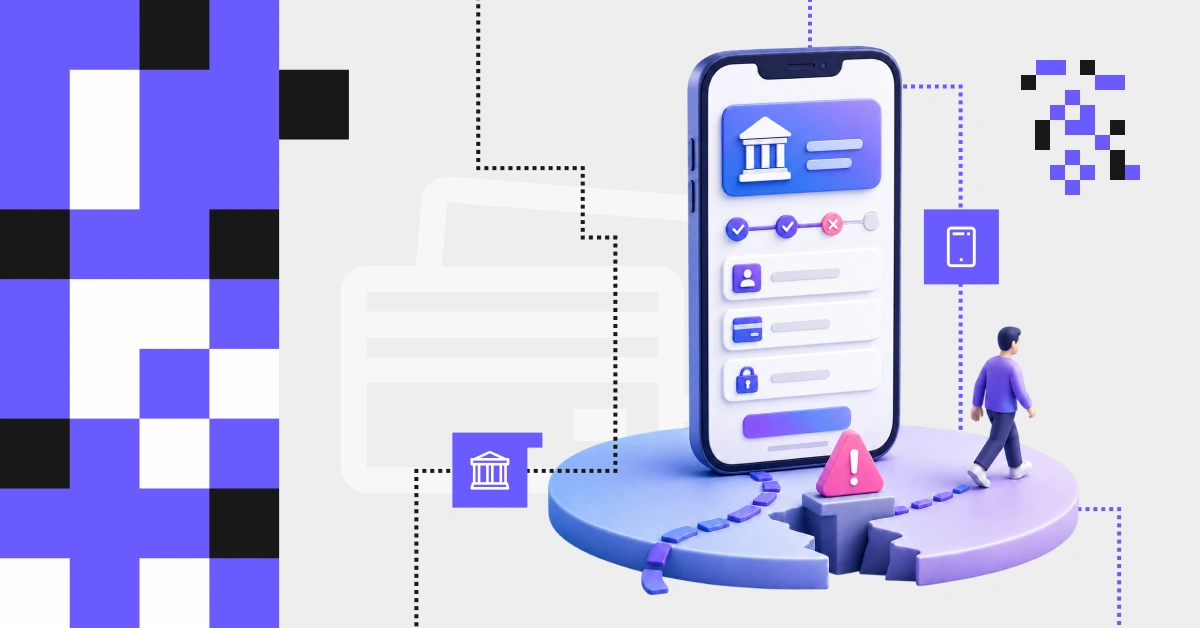
As the app evolves with the organization, it becomes harder over time to see it through the customer’s eyes. As part of the UX audit, we help identify the areas that create friction and define changes that improve the customer experience and the effectiveness of key banking processes.
More effective sales and self-service journeys
Fewer drop-offs in key digital processes
Lower burden on the contact center and operations teams
You are planning an app redesign You want to base changes on real user problems, not only on internal assumptions.
You have launched new features You want to check whether they are easy to find, easy to understand, and actually being used.
You are seeing conversion or NPS decline You want to understand which parts of the experience are weakening performance.
Support requests are increasing You want to identify which areas of the app are unclear or difficult to use.
The app has been developed over many years You are starting to see that its structure is becoming less clear to users.
You are preparing a major sales campaign You want to make sure key processes will work smoothly under higher traffic.
OFFER
What do we examine during a UX audit?
We examine the areas of the app that affect ease of use, process clarity, and the user’s ability to complete key actions.
We analyze whether the app’s structure helps users quickly find the right function, service, or information.
We check whether the structure is intuitive from the customer’s perspective, or whether it reflects the way the app has developed internally over the years, as new features, sections, and services were added.
What we check
the structure of sections, menus, shortcuts, and home screens
whether functions are logically grouped and easy to find
points where users may become confused or look for a function in the wrong place
areas where new services were added without a consistent logic
features that are difficult to notice or hidden, and therefore remain unused
opportunities to simplify the structure and navigation
Business impact
faster access to key functions and services
less user confusion within the app
better visibility of self-service and sales features
lower risk of users abandoning a process because of an unclear layout
a more organized app structure, ready for further development
We look at whether the app communicates with users in a clear, consistent, and understandable way.
We check whether function names, messages, errors, and confirmations help users complete their task, or whether they create uncertainty and force users to guess the next steps.
What we check
function names, labels, system messages, and help text
places where internal, technical, or overly formal language appears
unclear error messages and confirmations
consistency of communication across different parts of the app
opportunities to simplify the language without losing precision or formal compliance
Business impact
fewer drop-offs in key digital processes
higher effectiveness of sales and self-service journeys
a shorter and more predictable path to task completion
greater user confidence in moments that require a decision or confirmation
better support for processes that directly affect conversion and customer service
We verify whether the most important processes in the app guide users smoothly toward their goal.
We identify barriers that make the journey longer, increase drop-offs, or weaken the effectiveness of actions such as logging in, onboarding, submitting an application, purchasing a product, or completing a transaction.
We assess whether users understand what is happening at every stage and feel confident that the action has been completed successfully.
What we check
the most important processes in the app, step by step
places where users may stop, hesitate, or abandon the process
the length, logic, and clarity of each stage
whether forms, authorization, and confirmations support process completion
whether communication during the process and after it ends makes it clear that the action was completed correctly
opportunities to simplify journeys in a way that improves their flow and predictability
Business impact
fewer drop-offs in key digital processes
higher effectiveness of sales and self-service journeys
a shorter and more predictable path to task completion
greater user confidence in moments that require a decision or confirmation
better support for processes that directly affect conversion and customer service
We assess whether the app works as one coherent product and whether it effectively supports everyday use on a phone.
We check whether users can move through it intuitively, without having to relearn different screens, rules, and interaction patterns.
What we check
key screens and interaction patterns across different parts of the app
places where the interface is visually or functionally inconsistent
whether the layout and behavior are adapted to using the app on a small screen
whether the app supports quick task completion in real-life usage conditions
opportunities to improve the consistency and convenience of the mobile channel
Business impact
a more consistent and predictable experience across the app
greater ease of use in everyday mobile banking
less effort required from users when completing tasks
fewer errors caused by inconsistent interaction patterns
higher quality of the mobile channel as the main point of contact with the customer
We verify whether security requirements and compliance obligations in the app have been designed in a way that is understandable to users.
We check whether additional steps, consents, and messages support process completion, or whether they make the process more complex and increase the risk of abandonment.
What we check
processes that include authorization, consents, confirmations, and legal messages
places where users have to go through too many steps or figure out the next action on their own
whether formal and security-related content is presented clearly and at the right moment
solutions that meet control requirements but are difficult to use in everyday situations
opportunities to simplify the process without compromising security and compliance requirements
Business impact
clearer processes that require authorization and confirmations
lower risk of abandonment at formal stages
greater user confidence about the next steps
a better balance between security and ease of use
fewer barriers in processes that are critical for sales and self-service
We assess whether the app is readable and convenient to use, including for older customers and users with different limitations, such as visual impairments.
We check whether the way content and interface elements are presented excludes some customers from using the app independently.
What we check
content readability, text size, contrast, and information layout
whether key interface elements are clearly visible and easy to use
places where presentation makes it harder to understand or complete a task
whether the app creates unnecessary barriers for users with different needs and limitations
opportunities to improve accessibility and everyday ease of use
Business impact
better readability and ease of use
greater accessibility for a broader group of users
lower risk of excluding some customers from digital service
easier completion of everyday actions in the app
a more accessible and professional customer experience
Move from UX diagnosis to mobile banking development
Comprehensive redesign of Aljazira Bank’s mobile app delivered a modern, intuitive user experience, significantly faster…
Improving processes in the bank’s app
Bank customers want to manage financial matters on their own, without visiting a branch. The…
UX/UI Redesign of a Digital Platform
Comprehensively enhanced the functionality of the CMP platform by mapping and designing core processes, refining…
Redesign of the online insurance purchase process
Europa Ubezpieczenia was facing poorly structured purchase process that prolonged customer decision-making. The redesigned platform…
BENEFITS
What does a mobile app audit deliver?
Identifies where conversion is lost
Shows the moments where users abandon processes, which directly affects sales, activation, and the effectiveness of the digital channel.
Helps structure decisions about changes
Connects observations from the app with customer behavior data, making it easier to understand the source of problems and prioritize improvements.
Increases the use of existing features
Helps identify features that are difficult to notice, poorly embedded, or hard to understand, even though the bank has already invested in implementing them.
Reduces errors and service costs
Reveals places where users lose their way, make mistakes, or need support, which can lead to more contact center interactions and lower self-service effectiveness.
PROCESS
How does a UX audit work?
We review data from analytics tools to identify drop-off points, step-to-step drop-offs, underused features, and areas that reduce the effectiveness of app processes.
We assess the app from the perspective of UX, CRO, and WCAG accessibility. We identify issues in navigation, communication, process logic, and the quality of the mobile experience.
We analyze, step by step, the processes that matter most to the bank, such as login, onboarding, activation, product purchase, self-service, authorization, and transaction confirmation.
We compare selected elements of the app with solutions used by other banks, fintechs, and market leaders, so the findings are grounded in a real market context.
When needed, we validate selected issues and hypotheses through user research if the project requires additional confirmation of audit observations.
We organize findings by their impact on the user, the process, and business goals. We indicate which improvements are worth implementing first and which require broader changes.
WHY US?
A partner, not an external reviewer
A UX audit does not replace the internal team or question its product knowledge. It helps uncover what can be difficult to see in day-to-day work, under time pressure and within internal constraints.
We work together with the bank’s team, organizing observations, validating them against data, and turning them into recommendations that can be used in practice.
External perspective without losing internal context
Support for UX, product, and business teams
Findings grounded in the bank’s reality
Implementation-ready recommendations
PARTNERSHIP
Request an audit tailored to your app
Talk to an expert
Schedule a call to discuss your app-related challenges, key processes, user problems, and the expected outcomes of the audit.
Scoping workshop
Together, we will refine priorities, select the processes to analyze, and define the questions the audit should help answer.
Tailored proposal
We will prepare an audit scope aligned with your goals, app scale, team maturity, and the areas that need to be verified.
What’s worth knowing about Customer Experience in banking
|
10 min reading
Targeted fixes, a UX audit, or a banking app redesign? What to do when conversion drops and the budget isn't unlimited
Customers are increasingly abandoning processes in the banking app, and the number of contacts with the call center and customer service is rising. You are expected to present a plan for improvement, yet it is still unclear whether changing a few screens will be enough, a full UX audit is needed, or the problem really justifies a redesign budget. Before you involve more teams, you can start with a quick diagnosis of a selected journey. It is a simple way to organize your first observations, point to the most likely sources of the problem, and decide what the next step should be.
|
8 min reading
When does a feature roadmap start to weaken a bank’s mobile app?
You keep adding new capabilities. The app now lets customers do more than pay a bill — they can also purchase a subscription or use additional services. And yet the number of negative reviews, abandoned journeys, and customer service contacts keeps rising. In an era of neobanks, rapid product iteration, and AI models that can recognize customer behaviors, banks face a seemingly difficult choice: accelerate development or get the basics in order first. In this article, we show that the real issue is not choosing between growth and strengthening the fundamentals, but getting the sequence of actions right.
|
10 min reading
Where does a banking app lose customers? 6 problems we regularly see in UX audits
Even a mature banking app can become less effective at key moments in the process, when new features, regulatory requirements, business goals, and security start competing with the user’s need to complete a task simply and efficiently. Our UX audits for the financial sector show that some problems recur regardless of a bank’s operating model, organizational scale, or product team maturity. In this article, we discuss six problems that most often weaken users’ trust in a banking app.
|
7 min reading
Mobile banking: where customer trust is really built
Banks invest in security, regulatory compliance, and trust-based communication, but for customers, the decisive test happens in the app: when they make a transfer, authorize a transaction, respond to an alert, or encounter an error. In these brief moments, users assess whether they understand what is happening and know what to do next. That is why UX in mobile banking should be analyzed not only in terms of ease of use, but also in terms of whether the app gives customers a sense of control. Below, we show where trust gaps most often emerge and how to design critical journeys so they reduce uncertainty rather than amplify it.